
Starter
Included hereWebsite live chat, one operator, 20 active chats a month.
- 20 active chats / month
- 1 operator
- 90-day history
- GiovBot via $15 add-on
- Website chat

Website chat
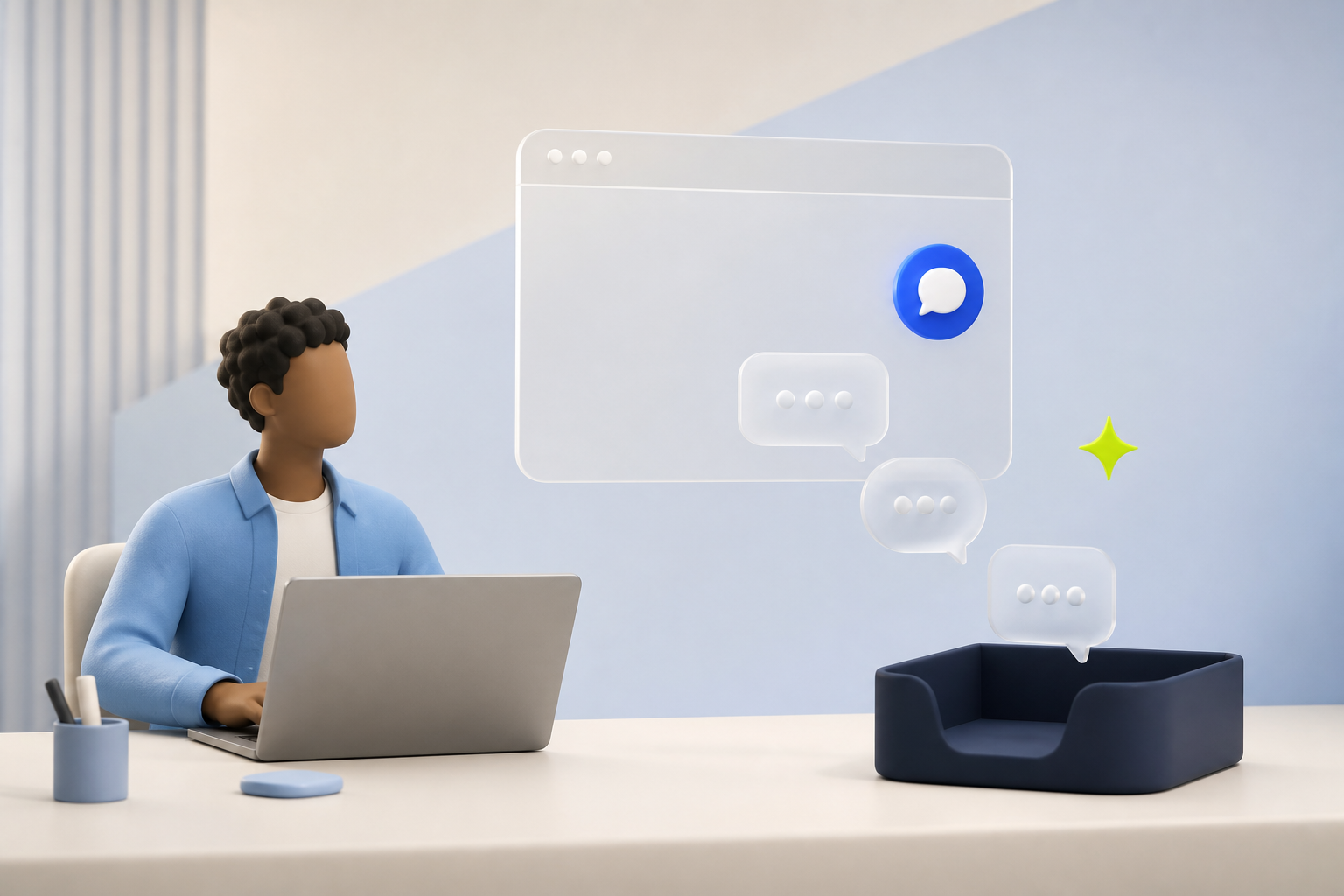
Included on every plan, from Starter.The widget meets the visitor. The inbox meets the team. Page, history, and assignment stay on the thread so website chat is the queue — not a personal launcher.
Riley
AssignedDo you include live chat on Starter?
Starter is website chat, 20 active chats, and 1 operator. Pro adds email, 10 operators, and 500 GiovBot credits. Advanced is all messaging channels, 80 operators, 2,000 credits, and BYOK.

Starter
Included hereWebsite live chat, one operator, 20 active chats a month.
Pro
Also hereEmail joins the inbox. 10 operators, 500 GiovBot credits.
Advanced
Also hereAll messaging channels, 80 operators, and your own AI key.
The customer stays on Website chat. The work stays in one operator queue.

01
Greeting, launcher, and theme come from the dashboard. Approved domains keep it on your site.

02
Operators see the page, the visit, and the queue state — not a private chat window.

03
GiovBot can go first. A human takes the full transcript when the question needs a person.
Appearance, greeting, and domains live in settings. No extra product to theme the chat.
Unassigned, assigned, resolved. Files, typing, and alerts work like the rest of GiovChat.
Knowledge-grounded answers, then a human with the full conversation — not a blank chat.
The widget captures the visit. The inbox captures the team. Operators should not guess which SKU, which URL, or which earlier chat this person had.

Website chat is not a sidecar. It is the default GiovChat channel: one queue, one history, one handoff path when you add email or messaging later.
| Compared | Outside GiovChat | In GiovChat |
|---|---|---|
| Who owns the chat | Whoever has the laptop open | Assigned operator in the workspace |
| Visitor context | A name in the widget, if you asked | Page, notes, and history beside the thread |
| After hours | Missed launcher messages | Queue waits, GiovBot can cover, humans pick up |
| Next channel | Another tool, another login | Email on Pro, messaging on Advanced — same inbox |
Add the next channel without teaching the team a second product.


Plan, inbox, and GiovBot — without a second product story.
All of them. Starter, Pro, and Advanced include the live chat widget and the operator inbox.
No. It is the default GiovChat channel. Operators use the same workspace they will use for email and messaging.
Yes, when GiovBot is on the workspace. Credits, knowledge, and human handoff work the same way as other channels.
Install the snippet on an approved domain, invite operators, and the queue is live. Widget appearance is in the dashboard.
Start free. Live chat is on every plan. Email is Pro. WhatsApp, Messenger, Instagram, and Telegram are Advanced.


